Why Not NC (Non Commercial)

Sharing clearly: When creating and sharing educational content, one of the first things that author’s (and their sponsors and funders) must think about are the circumstances under which others can use their work. I work with an open education project, Connexions (cnx.org), that chose one of the most liberal of the Creative Commons licenses, the Attribution only license (CC-BY). The Attribution license requires anyone redistributing content to give credit to the content’s authors. Creative Commons human readable version of the license explains the terms clearly and succinctly. Connexions thinks of itself as like Type O blood, the universal donor. While proper attribution is required, almost anything else goes. Take the content and adapt it, translate it, transform it, improve upon it (or not!), package it, market it, sell it, sell ancillary content and services based on the content, etc.

The Non-Commercial Choice: Quite a lot of freely available educational content, however, is licensed with a non-commercial restriction, the Creative Commons NC license being one of the most popular. The restriction is quite natural and content producers gravitate toward it from a basic sense of fairness. If I put a lot of effort into creating and sharing free content, it is natural to think that if someone else makes money off of that content, then some of that money should come back to me.

Why not? I find three compelling reasons to recommend that philanthropic foundations, national science and education agencies, education organizations, and individuals reject the non-commercial restriction for Open Education Resources (OER), if their goal is to accelerate human development through access to high-quality education.

  • One of the reasons is a positive reason. Commercial entities bring resources and sustainability to open content. 
  • Two of the reasons are negative. It is impractical to find and negotiate with the creators of most content that is available under the non-commercial restriction. 
  • Finally, the definition of commercial versus non-commercial is undefined, and I would argue that it is likely to remain murky indefinitley. 

First, the positive: Commercial enterprises can market, package, and support open educational resources (OER), in a way that most of us sharing content cannot or aren’t interested in doing. Foundations and agencies fund the creation of OER, but, typically, not the distribution and long-term support of OER. The OER movement is still fairly young, but can look to open source software for guidance here. Most of the popular and successful open source software use licenses that do not restrict commercial use. Large companies like IBM, Sun Microsystems (now Oracle), Mozilla, and Google have been instrumental in supporting open source operating systems, web services (ex. Apache) (you are probably relying on one right now while you read this), and word processing software. These companies support open-source software, because they use it themselves. They use the software because of the quality and continuous improvement. In addition to the support of companies that use the software, Red Hat, Canonical, and others specifically focus on selling services to support open source software. Now we certainly don’t yet have significant commercial support for the OER movement yet, but the commercial restriction forecloses this positive opportunity.
 
Secondly, the negative: Finding and negotiating with OER producers is expensive and often impossible. Authors share their work but may or may not say how to get in touch with them. Even when they do provide contact information they may move, lose interest, or even pass away. One of the clearest and most entertaining illustrations of the complexities and pitfalls in rights negotiation is the comic, Bound by Law, by the Duke Law “Center for the Study of the Public Domain”. Read about how the classic documentary, “Eyes on the Prize”, was pulled from circulation because its music rights expired.  The point is not that everything should be shared freely, but that if our purpose is specifically to create and spread education widely, the non-commercial restriction adds significant drag.

Thirdly, the issue that I find most troubling:  The Non-commercial restriction is hard to define and it seems unlikely to get settled any time soon. Some of the trickier issues that I have seen discussed are whether ad-supported sites can reuse non-commercial work (mostly, but the details may be important), exactly what sorts of costs can be recouped without being commercial (it depends), and whether charging for related ancillary services would be allowed (probably not, but it depends, because existing educational exceptions would apply). Take a look at this long list of situations by Evan Podromou, for instance, and see whether you could make an easy call for each of them.

The history of copyright and copyright legislation makes it seem unlikely to me that the non-commercial distinction will be settled quickly or ever. In the U.S. alone, Congress has enacted unbelievably arcane and specific rules in the Copyright Act to settle just these sorts of issues about what is commercial and non-commercial. Take a look at section 5 (B) on this page of the United States Copyright Code, at the detailed wrangling over when performances are public, using square feet calculations (exclusive of parking), speaker number and power, and screen size. This is followed by some sort of specific allowance for the government for annual horticultural and agricultural events. Huh?

Notes:

  • I chair the Connexions Consortium Technology Committee and my fellowship with the Shuttleworth Foundation is helping to make Connexions easier to publish to and work with.
  • Creative Commons points to quite a bit of further reading about the NC restriction.
Sprinting with SPEN

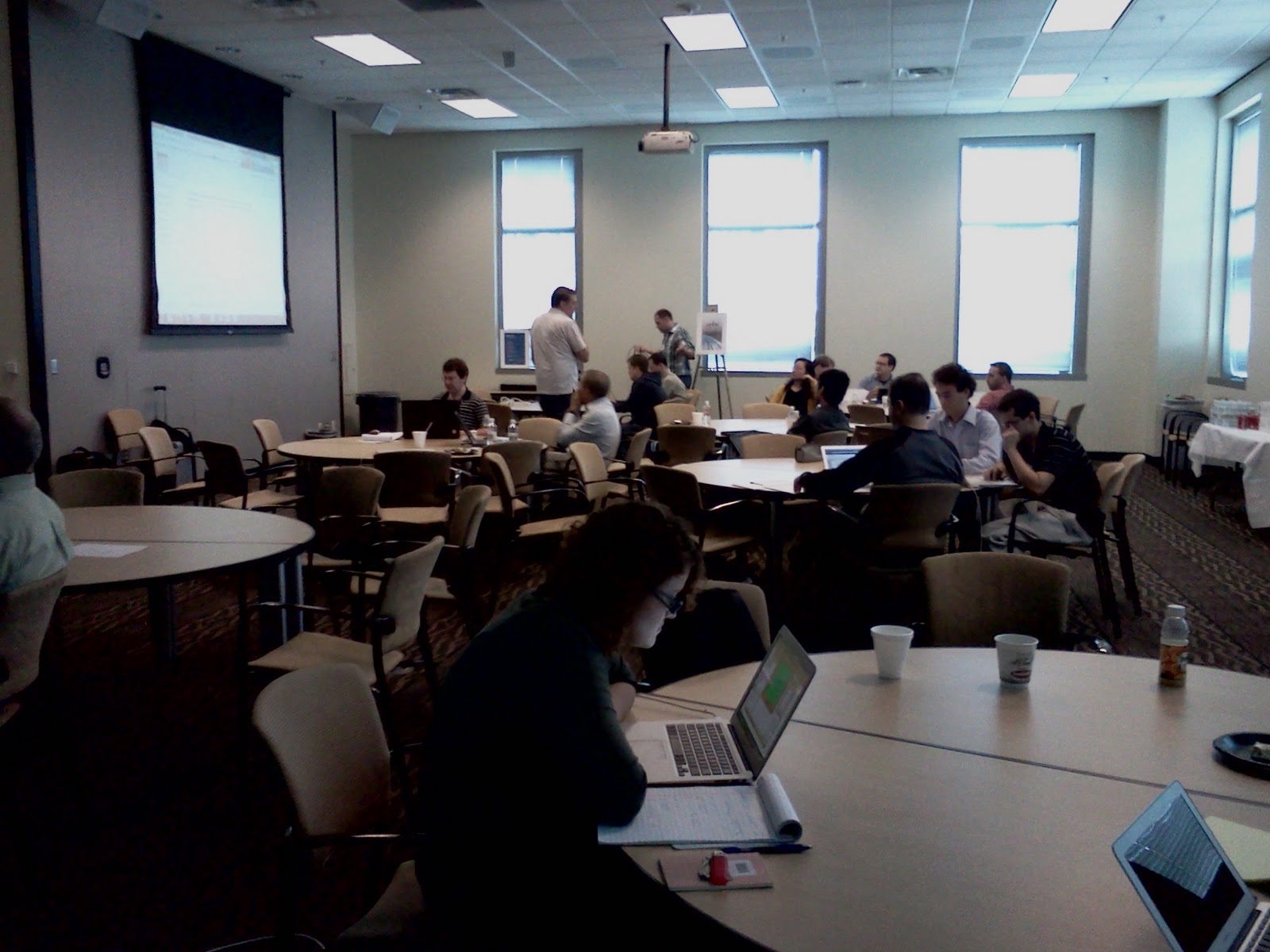
This week I spent a day in Atlanta ‘sprinting’ to create practice problems with the Signal Processing Education Network (SPEN). SPEN is an NSF funded project bringing together five universities to create a broad teaching network and body of open educational resources (OER) for teaching and learning signal processing at the undergraduate level.


Sprint goals: Creating practice problems: The SPEN network is enhancing existing open materials and creating new open textbook teaching materials integrated with interactive simulations and a rich body of homework, test, and practice problems. This sprint brought together 33 people (faculty and graduate students) to create practice problems and upload them to two different question and answer databases. Each question ended up in both banks. One of the banks, Quadbase, is an open question bank that anyone can add questions to, and anyone can take questions from. The question bank can be used for interactive tutoring systems that pull targeted practice questions to help students learn and retain knowledge, for teachers building homework sets, and for learners looking for practice problems. The second question bank is Georgia Tech’s Intelligent Tutoring System that is both a question bank and a tutoring system that Georgia Tech faculty and students use in their undergraduate signal processing classes.

This sprint was the first time SPEN got together for a day of group content creation. The sprint ran incredibly smoothly and the result was 160+ new questions for the databases. 

The procedure:

  • Prep: Participants bring existing materials: Before the sprint, organizers requested that participants bring any homework and problem sets that they already use.
  • Instructions: Sprint organizers created a set of instructions with question topic prompts and sample questions for several different types of questions (multiple choice, matching, free response).
  • Groups: The organizers put people in groups of 3 – 5 at round tables and gave each group a set of topics and a shared Google Doc to work together in. The Google Doc had question samples that could be copied and pasted to create new questions. Math was entered in TeX math which most of the participants already know and use fluently. It is a dense notation that can be converted to attractive equations.
  • Creation: Groups worked for 2 hours creating questions.
  • Signaling completion: When a question was finsished, someone would highlight it in green.
  • Uploading to the question banks: A separate group of four people spent the whole day watching for the green highlighting and then copying the questions into the two different question banks. It was labor-intensive, but meant that every question could end up in both banks despite each bank having slightly different formats. It also meant that participants didn’t have to learn new tools.
  • Review: Then groups reviewed the questions for 1 hour. Two groups merged to do the review (thus making groups of 6 to 10 for the review. They would edit the questions to improve them.
  • Repeat: The whole process was repeated in the afternoon.

My observations

  • Pre-workshop prep not done. Very few participants brought existing materials. So it looks like it is important that success not require preparation.
  • Paper collaboration: Groups collaborated on creating questions by drawing on paper and talking about them. They did not collaborate directly in the Google Docs. Individuals would write up entire questions in the doc and then highlight them green to signal the uploaders.
  • Review by reading and solving: To review the questions, recall that two groups would merge or swap. So groups 1 and 2 would review together. Group 2 would review group 1’s questions and perhaps ask some questions about the intention for each question. Then group 2 would actually solve all of group 1’s questions. And of course group 1 would be doing the same with group 2’s questions.
  • Review resulted in considerable change: The review process resulted in substantial revision of the questions. Revisions occurred for clarity, correctness (after solving), and also for transcription errors as the questions got put into the question banks.
  • Pedagogy benefits: In addition to the creation of a large body of questions that are now globally available and shareable, the process itself was valuable as participants discussed and reviewed and improved the questions. Thus the time that participants donated to the sharing process was also valuable pedagogically.

Sprint artifacts

Want to learn more?

SWORD V2 Project Funds our Proposal!

A few weeks ago I wrote a proposal in response to a call for proposals from the JISC funded SWORD V2 project to help build SWORD clients. The proposal requested funds to accelerate development of software to help educators publish word processing to Connexions using the new OER publishing API that is based on SWORD V2.

The proposal is being funded! Thank you to JISC and the SWORD V2 project. Read their announcement about it here.

The basic idea is as follows:

  • Many teachers use Word or Open Office to create their lessons and educational material. And many are eager and willing to share.
  • Connexions is a great place to share educational materials because it is easy to reuse.
    • You can combine pieces to create whole textbooks and courses.
    • Connexions makes it available on the web, in print, for mobile phones, and for ebook readers.
    • If you change one bit, Connexions remakes the book, the ebook, the web view, etc.
    • If someone wants to adapt your content (change the examples, translate it), they can make a copy and publish their changes and you still get credit for inspiring the new adaptation.
  • But, the word processing documents have to be converted to Connexions format first. 

So this new tool will help authors convert their word processing documents, preview how they will look once they are in Connexions, and then use SWORD to publish them to Connexions.

And developers can help make better versions of this tool without knowing a whole lot about how Connexions software works. Just how SWORD (and the OERPub API variant) work.

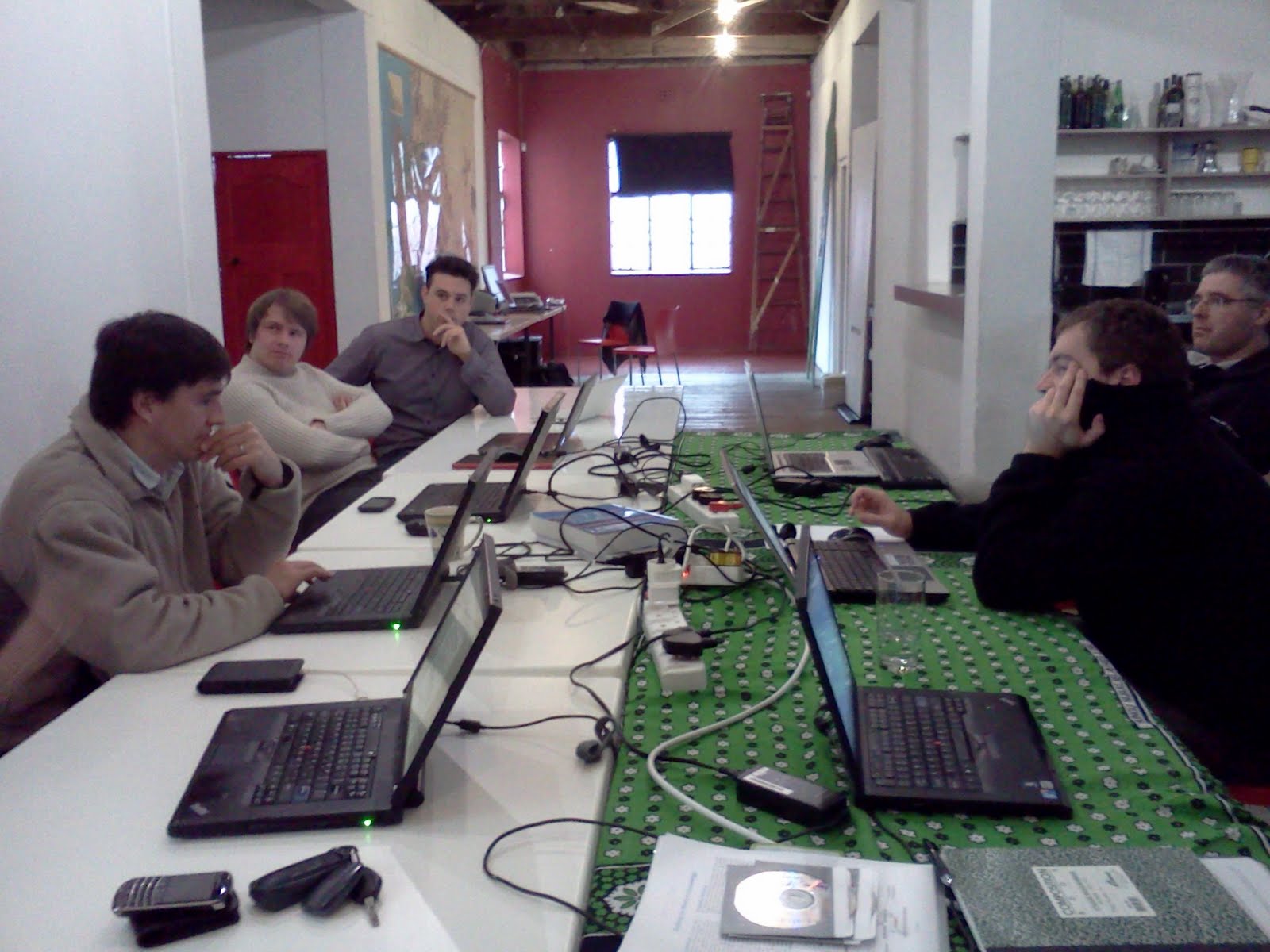
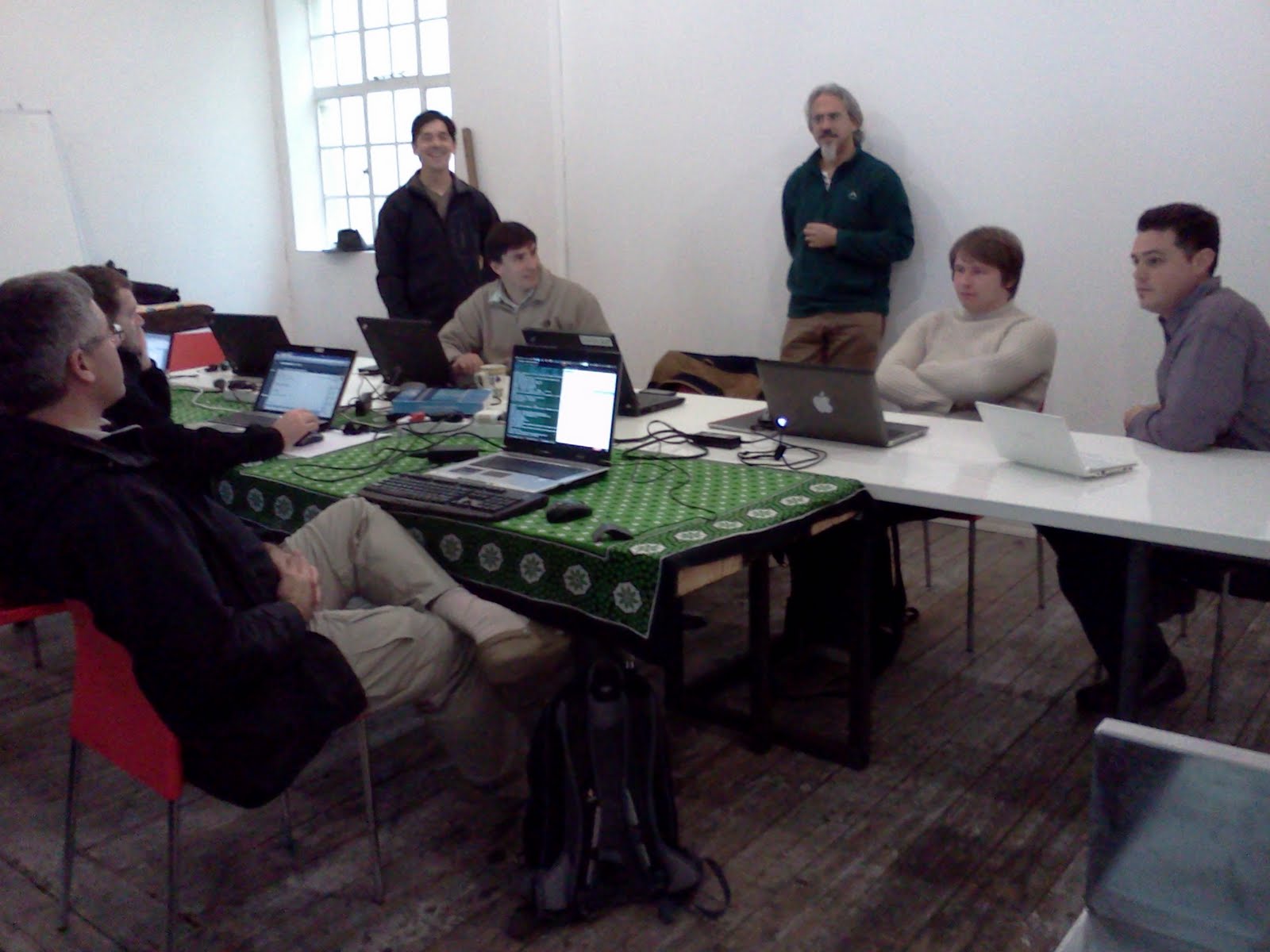
    Have SWORD will travel (Sprinting at the Open Innovation Studio in Cape Town)

    Wednesday before last, June 29th, the Cape Town Plone users’ group and several other developers met at the Open Innovation Studios to sprint on creating a SWORD service for Plone and a couple of SWORD clients to talk to the SWORD service. Siyavula co-hosted the event with me, Roché Compaan of Upfront Systems led the technical Plone development, and all the results are hosted on github and documented on the project wiki here and here.

    The goal of the sprint was to learn about SWORD, start a generic implementation of a SWORD service for Plone, and get a couple of clients off the ground.  

    We started with this list of tasks and we made progress on 4 of the 5 tasks. Not bad for a one day sprint. A lovely catered lunch, pizza dinner, beer, and red wine (sorry no pictures) were the rewards, in addition to good company and knowledge transfer.

    One team began creating an AtomPub service with a SWORD profile for Plone.  Publishing modules and collections to Connexions, which is built on Plone, makes a lot of sense with SWORD. And building SWORD into Plone, rather than at the Connexions layer, gives the potential for using this code in other projects. Because SWORD is really all about depositing packages of content, however, we wrestled a bit with the exact use cases that would make sense for generic Plone. We settled on developing a service to deposit a folder of content into a Plone site. Perhaps that folder represents a single web page and all its associated resources. Or perhaps it represents some other composite type. Time will tell if others reuse the service in novel ways that we didn’t anticipate. You can read more about the results and code locations here.

    The other tasks involved building clients. One was a simple command line client written in python to test the service. The client was based on the python client that the SWORD community produced for V2.  The second client was based on a more interesting idea. One of the easier ways to publish online lessons enriched with interactive media is through a personal blog. But reusing material from someone’s personal blog isn’t easy, especially if you want to adapt it in in some way: include it with another set of lessons, package it up for using offline or mobile, translating it, adapting the reading level, etc. So the second client is a webservice for packaging and republishing (or copublishing) your blog entries in a repository like Connexions. The sprint team started with the Pyramid Web Dev Framework and seemed quite pleased with how easy it was to get started. Find out more about both clients here.

    Not convinced yet that SWORD is sharp?

    My prior blog post discussed the benefits of choosing SWORD for depositing open education resources (OER) in repositories that make it easy to share and remix. It was very general, however, and here I will attempt to make a few more details concrete.

    The key to SWORD’s appropriateness is that it is specifically geared toward exchanging packaged content along with some information (metadata) about that package, and SWORD includes metadata in a format common to OER (Dublin Core).

    Packaging and the “atomic” nature of SWORD: The key to SWORD over AtomPub (which it is built on top of) is that it has a notion of a “package”. Connexions, for example, is a repository of modules and collections. These are educational packages and can properly be thought of as containers of stuff. A module contains document XML, resources (images, slides, attachments) etc, and some metadata (title, authors, subject etc). It is good to have an API that can deal with that whole thing at once as a logical unit. And SWORD also gives you a way to ask for the whole logical item back (perhaps transformed). For Connexions someone can then rightly ask for their module back as a zip of all its parts, as a web view, as an EPUB, etc.

    SWORD would be too heavyweight to publish images to flickr or status updates to Facebook. SWORD also isn’t appropriate in an environment where you could deposit a bunch of things at once, but they really aren’t a logical unit. If you just wanted to upload 20 pictures in bulk to save time, SWORD wouldn’t be the right protocol, because it would require the repository to be able to give you back precisely those 20. But it is just the right size for publishing modules or collections to the Connexions repository. There is really no extra overhead that isn’t completely necessary to the process of submitting content to Connexions.

    A protocol like WebDAV is much more complex, because its goal it to make collaborative, distributed authoring of web resources possible, or perhaps be a networked file system. It has all sorts of locking and detailed synchronization, along with ways to query individual properties on individual resources. This is just much more fine-grained than is needed for an educational repository like Connexions. Similarly for CMIS, which is a complete system for making general purpose content management systems interoperable, and like WebDAV it is oriented toward general purpose files and folders.

    Commonly used metadata: One more factor makes SWORD appropriate for educational repositories with modular, remixable content. SWORD uses Dublin Core metadata and Dublin Core support has become standard in the world of scholarly and educational content.